
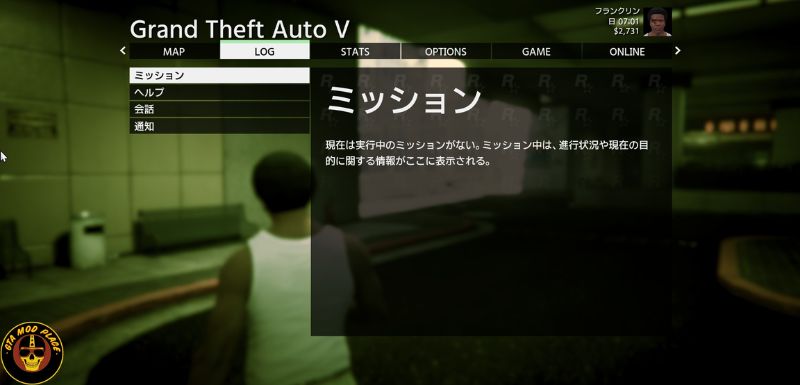
This is a modified version of the Genei M Gothic v2 font (https://okoneya.jp/font/genei-m-gothic.html) for use in GTA5.
Installation Instructions (OpenIV is required)
- Launch OpenIV and enter Edit Mode.
- Open update/update.rpf/x64/data/cdimages/scaleform_platform_pc.rpf and replace font_lib_japanese_pc.gfx with the included gfx file.
- Open update/update.rpf/common/data/ui and replace fontmap.xml with the included xml file.
- Launch the game and check. If the font is displayed correctly, the installation was successful