
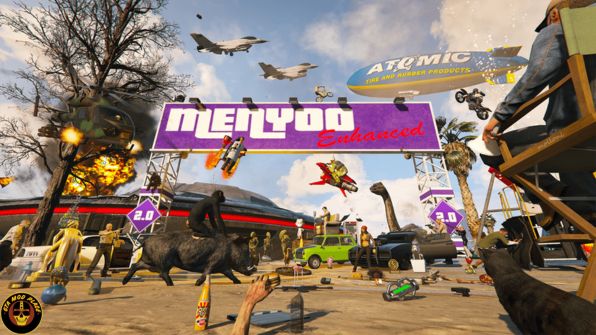
Installation:
- Extract contents of the downloaded zip file to your GTAV root folder (alongside GTA5.exe)
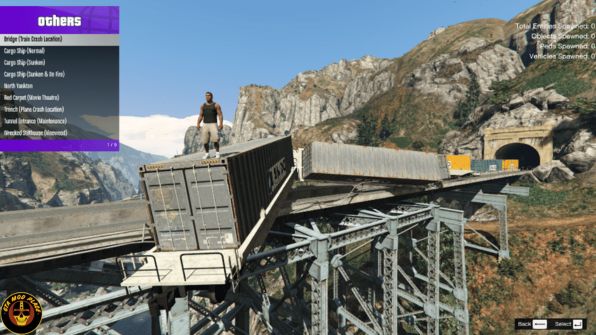
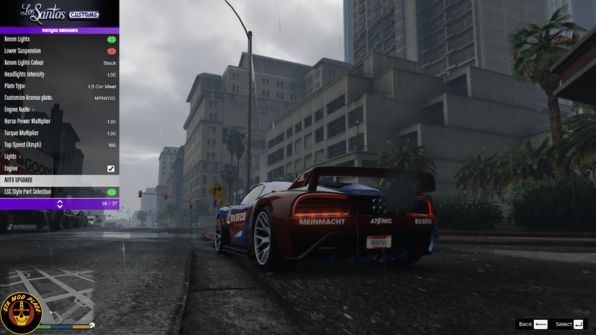
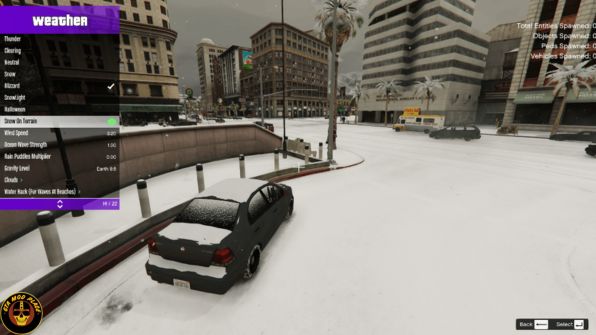
Press F8 to Launch the Menu, then use F8 to toggle it open. - After nearly a year trying to update the old MAFINS repository with updates and new features with no response, I’ve decided to publicly release and maintain my own version of Menyoo 2.0!
- For now, there have been some minor functional updates to get Menyoo functioning properly with the latest version of the game, as well as some minor functional additions, all the details (including commit history/changelog) can be found at my github
- Any issues or feature requests, please raise via the Issues tab on my github and I’ll do my best to respond. For general support, feel free to join my Discord Server
- Special thanks to molloni for producing the new cover photo!
- In line with the GNU GPLv3, MAFINS original repo can be found Here
Fixes
- Fix game crash when ScriptHookVDotNet is installed alongside Menyoo (language system exception handling)
- Memory pattern updated for backwards compatibility
- Fix teleport to mission objective crashes
- Fix memory leaks and missing destructors resolved
- Fix invincibility not applying correctly while in vehicles
- Fix ped accessories not selectable in wardrobe
- Fix head shape unlock setting not saving to config
- Fix gravity option not applying correctly
- Fix Sky High teleport broken on Enhanced edition
- Fix Spooner display overlapping xyzh coordinate overlay
- Temporarily remove Stat Manager options
Content Updates
- Props, peds, and animations updated to “A Safehouse in the Hills” DLC
- Missing peds from “Money Fronts” DLC added
- Cutscene labels updated and deduplicated through latest DLC
- Mansions DLC blip icons added
- NarcoSurvival blip corrected (was mislabelled)

Links: Click Here
Filename: Menyoo 2.0 (Enhanced & Legacy) 2.3.1
Password: www.GTAModPlace.com
Price: Free
Size: 6MB
Virus Status: Scanned by Avast Security