
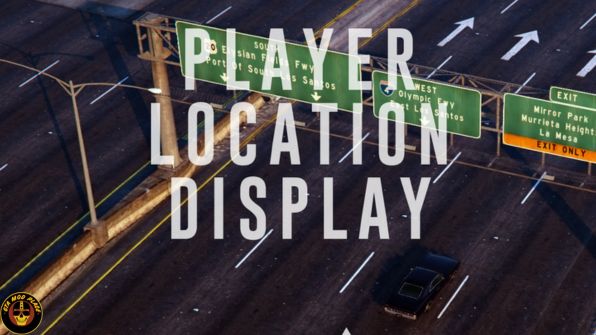
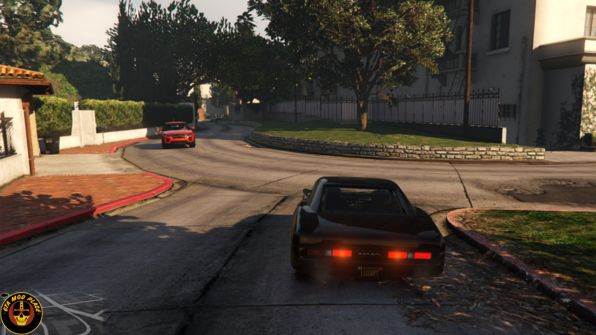
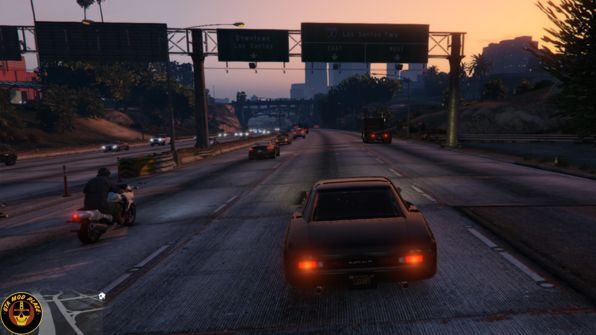
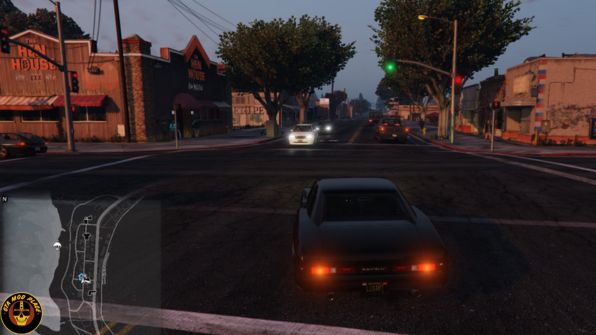
PLD displays the player’s current in-game location on the screen.
Location includes street name or intersection, district name, and region.
PLD also displays the current in-game time.
PLD allows the user to toggle the size of the radar and provides some informative multiplayer features.
Note:
- Consult the FEATURE INFO file to learn more about PLD and its features.
- It is recommended that you disable subtitles (PAUSE > SETTINGS > DISPLAY > SUBTITLES) when using PLD to prevent overlap.
INSTALLATION:
- A GTAV ScriptHook must be installed for any .asi modification to work. The original may be found HERE.
- Using script modifications in GTA Online can result in a temporary or permanent ban from the service.
- 1. Place the .asi and .ini files provided in the download inside your main GTAV game directory.
- 2. Modify the .ini file as you see fit.
- 3. Start your game.

Links: Click Here
Filename: Player Location Display v4.00 Mod
Password: www.GTAModPlace.com
Price: Free
Size: 4.4MB
Virus Status: Scanned by Avast Security